Agentic Coding Tools: How to Evaluate Orchestration, Runtime Control, and Multi-Agent Workflows
Compare agentic coding tools by orchestration, runtime control, and multi-agent workflows. Find the right fit and try October free.
On this page
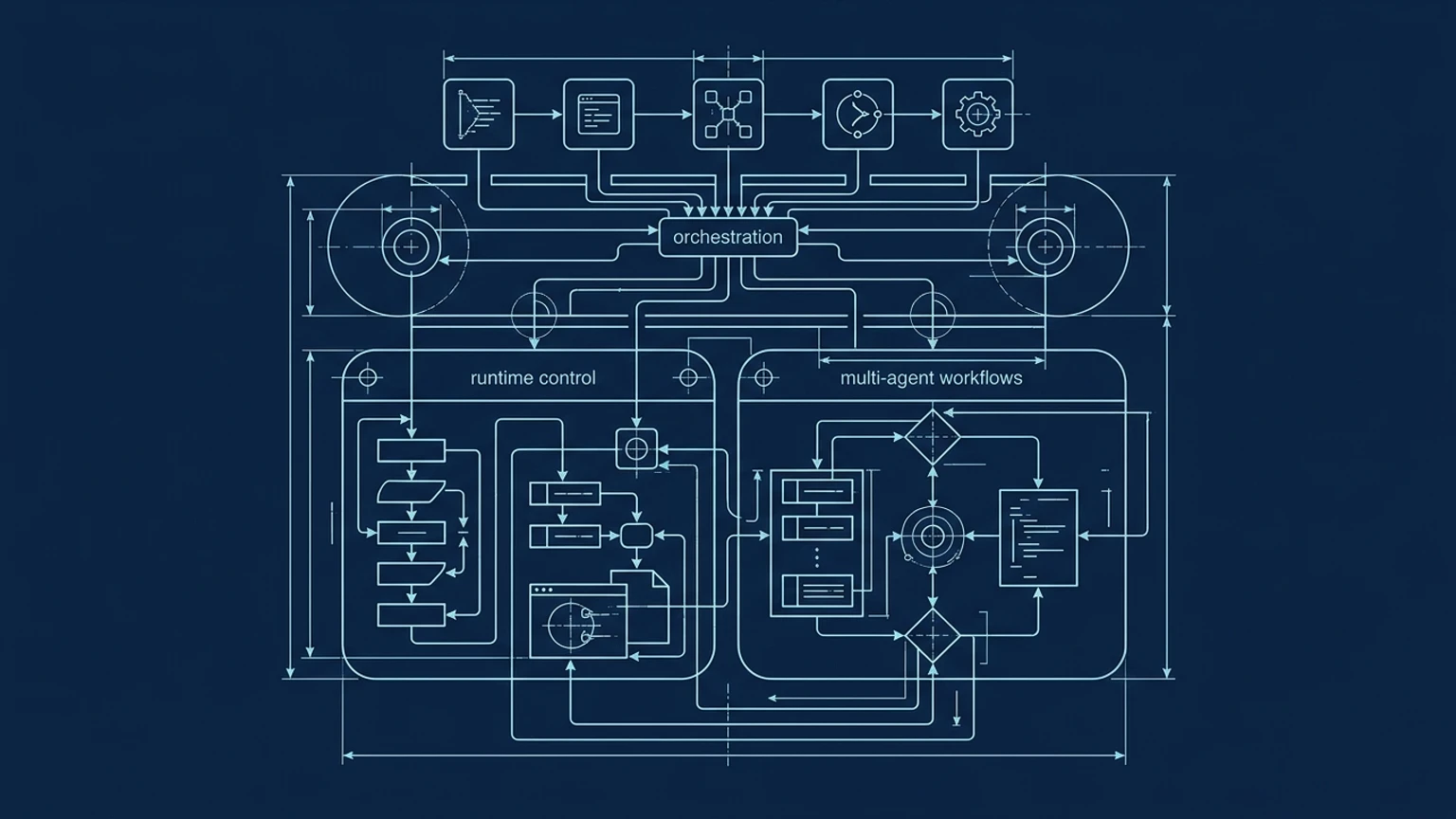
Agentic coding tools should be evaluated as operable systems, not as autocomplete with a larger context window. The right choice depends on whether a team needs code generation alone or visible coordination across agents, tools, repositories, branches, and execution environments. The strongest evaluation asks what the system exposes, what it can control, and how safely humans can review its work.
The evaluation framework: beyond autocomplete and chat
Most teams begin by comparing model quality, editor integrations, and chat features. Those details matter for focused implementation, but they do not explain whether a system can support a workflow where one agent plans, another edits code, a third runs tests, and a human approves the merge.
For solo founders and small engineering teams, the practical question is operational: can the team understand and control the work as it unfolds?
This guide evaluates agentic coding tools against four criteria:
- Orchestration visibility: Can a builder see agents, tasks, dependencies, status, events, artifacts, and handoffs?
- Runtime control: Can the builder pause, approve, constrain, inspect, retry, or reroute execution?
- Spatial workflow design: Are agents, branches, workspaces, and reviews represented as objects that can be inspected together?
- Multi-agent coordination: Do agents share tasks and messages, return delegated findings, or simply run independently?
The broader AI coding tools guide for solo founders and small teams covers the wider category. This article narrows the question to tools that make agent behavior understandable and operable.
A useful decision rule is simple: the more agents and execution environments a workflow involves, the less acceptable hidden state becomes.
| Evaluation gate | Observable evidence to request | When it matters |
|---|---|---|
| Orchestration visibility | Session identity, status, progress, logs, artifacts, branch and pull request state | Choose this gate when work spans multiple agents or long-running tasks |
| Runtime control | Sandbox boundaries, permissions, network access, writable paths, secrets, approval prompts | Essential before agents can run commands or modify production-adjacent code |
| Spatial workflow design | Visible agents, workspaces, connections, handoffs, and review loops | Valuable when a team needs to understand the whole system at once |
| Multi-agent coordination | Shared tasks, messages, delegated results, or explicit isolation | Determines whether agents collaborate or merely run in parallel |
| Review and merge | Human-visible diffs, branch handoff, pull requests, tests, and merge gates | Required before calling a workflow operationally ready |
Orchestration visibility: can you see what every agent is doing?
A conversational or terminal-first tool can be highly capable while still leaving the workflow difficult to inspect. Claude Code documents plans, multi-file edits, verification, subagents, and agent teams. Its team workflow includes shared tasks, inter-agent messaging, and centralized management through multiple Claude Code instances (Claude Code overview, agent teams documentation).
Cursor documents parallel Cloud Agents, streamed progress, artifacts, logs, isolated virtual machines, branch handoff, and draft pull requests for review (Cloud Agents, Cloud Agent security). That creates useful operational evidence. It also documents that one Cloud Agent cannot see another agent's code, environment, or state. Parallel execution therefore does not automatically create collaboration.
Consider a feature that needs three roles:
- An architect identifies the required data model and API changes.
- An implementer edits the repository.
- A reviewer checks tests, diffs, and edge cases.
A strong evaluation records each agent's identity, session, workspace, branch, current task, tool calls, outputs, and failure state. A weak evaluation waits for a final summary. The summary can omit a misleading assumption, a skipped test, or a file change made during exploratory work.
The manual test is straightforward:
- Give two agents related tasks in the same repository.
- Record what each agent can see and what the human can see.
- Check whether progress and failures remain inspectable after the session ends.
- Confirm whether the final result includes a reviewable diff and clear ownership.
For adjacent guidance, the visual workflow for building with multiple agents explores why context and handoffs deserve their own design surface.
Runtime control: from generated code to operable systems
A coding assistant produces value when it edits code accurately. An agent runtime must also define what happens before, during, and after execution.
Evaluate whether the product lets a builder pause a task, resume it later, inspect commands, approve sensitive actions, retry a failed step, reroute work to another agent, and constrain access to files or networks. The operational layer should cover shell commands, GitHub and Jira connections, MCP servers, language-server context, permissions, branch awareness, logs, tests, and human approval gates.
Codex CLI provides a useful control model to inspect: its documentation describes command and diff inspection, configurable permission to edit files or run commands, sandbox and writable-root visibility, MCP server configuration, and a review mode that reports findings without modifying the working tree (Codex CLI documentation). Claude Code similarly documents permission modes, Bash sandboxing, and filesystem and network boundaries (Claude Code permissions). Gemini CLI documents workspace-default sandboxing and requests for expanded permissions (Gemini CLI sandboxing).
MCP deserves separate scrutiny. It is a standard for connecting AI applications to external systems, and its tools specification allows servers to expose callable functions (MCP introduction, MCP Tools specification). Compatibility alone says nothing about authorization, consent, audit logs, or the consequences of a tool call. Treat MCP as a security and data-access surface that requires its own review.
Before selecting a platform, run the workflow manually:
- Define the repository and the exact files an agent may change.
- List the commands, external systems, and credentials the task requires.
- Set approval points before destructive commands or external writes.
- Run the task in an isolated branch or workspace.
- Capture commands, diffs, test results, and failed attempts.
- Merge only after a human reviews the resulting changes.
If a product cannot make those boundaries visible, the workflow is not ready for production work.
Spatial workflow design and multi-agent coordination
Spatial design becomes useful when the workflow has relationships that chat history cannot represent clearly. Agents become first-class nodes, workspaces can remain isolated, branches can proceed in parallel, and review loops can be connected to the work they evaluate.
The alternatives in this category serve different purposes. Cursor combines a familiar coding environment with parallel Cloud Agents and isolated execution. AO Agents describes a desktop IDE for supervising coding agents, with isolated worker workspaces and persistent conversations or terminals (AO introduction). Superset describes parallel CLI-based coding agents across isolated Git worktrees, with terminal, review, and editor workflows (Superset GitHub README). Langflow provides a visual agent and workflow builder with callable tools, but its documentation does not establish it as a coding IDE or repository worktree manager (Langflow agents, Langflow tools).
October belongs in the evaluation when a team wants a desktop IDE like Cursor with a more visual and spatial way to orchestrate AI agents and runtime work. Its product role is clearest at the bottleneck exposed by the manual workflow: once several agents, contexts, and review paths exist, keeping the system understandable becomes part of the coding task.
The selection rule is practical:
- Pick a familiar single-agent editor when one person is implementing a focused change.
- Pick a terminal workflow when scripting, automation, and direct control are the priority.
- Pick a workflow builder when the main problem is connecting tools and agent steps.
- Prioritize visual coordination and runtime design when agents must plan, build, test, review, and hand work across isolated contexts.
Human cognitive load also sets a real limit. Zen van Riel describes keeping roughly four parallel work streams within practical mental capacity in The Agentic Engineer Workflow You Need In 2026. More agents do not automatically create a better system. Stop expanding the fleet when reviewers cannot identify ownership, context, or the next approval decision.
For teams reaching that bottleneck, Try October Free - Get Started.
Frequently Asked Questions
What are agentic coding tools?
Agentic coding tools reason over complex tasks, execute multi-step plans, and interact with development environments through tools. In practice, they can inspect repositories, edit multiple files, run commands, delegate work, and verify results. The important evaluation question is how visibly and safely those actions are controlled.
What is the best agentic code tool?
There is no universal winner supported by a shared benchmark using the same tasks, models, permissions, runtimes, and review conditions. Select a tool against the five gates in this guide, then disclose the environment used for evaluation. A tool that fits focused implementation may be a poor choice for multi-agent coordination.
Which tools are used for agentic AI?
Tools with explicit multi-agent evidence in this comparison include Cursor, AO Agents, Superset, Claude Code, Codex CLI, and Gemini CLI. Langflow is a general agent and workflow builder, while MCP is integration infrastructure rather than an agentic coding tool. The distinction matters because parallel agents, delegated agents, and shared-task teams provide different coordination models.
What are the top 5 AI tools for coding?
A universal top-five ranking is not supportable without a common dated benchmark. A criteria-driven shortlist could include Cursor, Claude Code, Codex CLI, AO Agents, and Superset, with Gemini CLI also relevant where its documented subagent and sandbox behavior fits the workflow. The right choice depends on whether the deciding factor is editor familiarity, runtime control, isolated workspaces, or visible multi-agent coordination.